



INTRODUCTION:
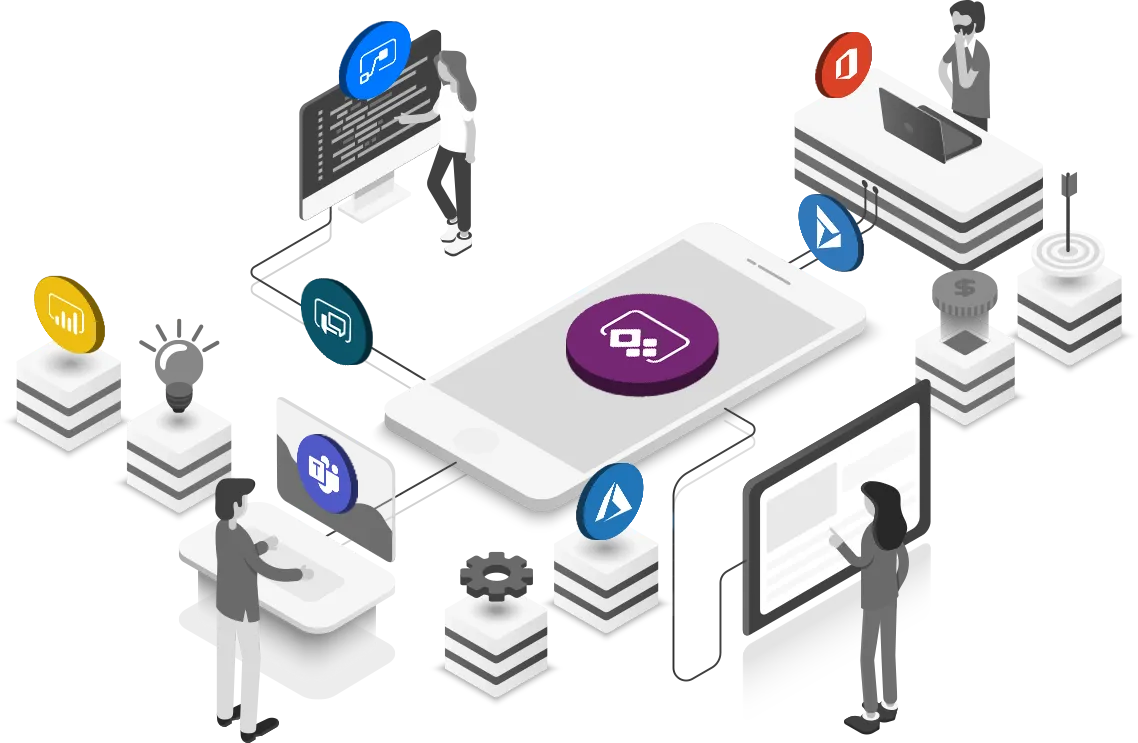
Microsoft Power Apps have revolutionized the landscape of business application development, enabling the seamless creation of robust solutions. With a wealth of experience building over 50 Business Applications using Power Apps, our team has cultivated a comprehensive set of advanced best practices tailored for those well-versed in this dynamic platform. These practices transcend basic concepts, focusing on elevating performance, user experience, and reusability to new heights. Whether you’re a seasoned developer or an adept user, this guide will equip you with strategies to harness the full potential of Power Apps and deliver exceptional results.
READABILITY:
- Maintain Power Apps Naming conventions-Power Apps Coding Guidelines

2. Use code commenting and formatting code.

3. Save the App with a version note while implementing a new functionality. This helps immensely when you want to return to the previous version.

PERFORMANCE:
- Limit your data connectors to at most 30 per App.

2. Power Apps has a 2000 Data row limit for non-delegable data sources like SharePoint, meaning Power Apps can retrieve at most 2000 records from the server-based connection, which does not support delegation.

3. Create Collections and variables for maintaining cache data in the App because querying the data source every time is inefficient for an app. Instead of querying the data source, we can query the cache data for better performance.

4. Use fewer formulas in the App On-Start Property, do not load large datasets to Collections, and use Concurrent functions to run On-Start asynchronously.

5. Remove the unused media or variables from the App Checker-Performance section.


6. Use Galleries Components wherever an app has a scope of repeating controls. We should use at most 500 controls per App else the App becomes a bit inefficient. In this case, we need to split the App into multiple Apps and use Launch () and Params () functions.

Reference: Don’t Add more than 500 Controls
Learn more about these: Launch and Param functions in Power Apps — Power Platform | Microsoft Learn
ERROR HANDLING:
- Use Error Handling functions like ifError, isError wherever there is a scope of getting an error in the App.
Example: While querying the data source or submitting any data to the data source, we encounter some network errors like “network error when using patch function.”

We use some predefined error-handling functions within our code to resolve this issue.
/*If-Error checks if the patch function has error or not. If yes,
 it will show error notification, else it will  show success notification.*/

IfError(
    Patch(
        'Employee Details List',
        Defaults('Employee Details List'),
        {
            'Emp Name': EmpNameInp.Text,
            Age: AgeInp.Text,
            'Phone Number': PhNumberInp.Text,
            City: CityInp.Text
        }
    ),
    Notify(
        "Something went wrong...Try again after sometime.",
        NotificationType.Error
    ),
    Notify("Successfully saved the details.", NotificationType.Success)
);
DEBUGGING:
- We can debug a Published or an unpublished app using Monitor. Run the App in the monitor session to see the app performance and debug the errors.

REUSABILITY AND RESPONSIVENESS:
- Components are used for reusability. We can build components or import sample components from the power apps community in your App.
- Place the controls or components inside containers for responsiveness.

User Experience:
- We get modern, fluent controls by turning on an upcoming feature called Modern Fluent Controls and Themes.


CONCLUSION
In the realm of Microsoft Power Apps, where innovation meets functionality, these advanced best practices serve as your guiding light to achieve excellence. By weaving together performance optimization, user-centric design, and the art of reusability, you have the tools to create solutions that stand out. As you embrace these practices, remember that the true essence of mastery lies not only in wielding the technology but in crafting experiences that transform businesses and empower users. Let these principles resonate as you embark on a journey to shape the future of app development, propelling your creations beyond limits and into the realm of true excellence.
Contribute your valuable insights to enhance this blog post. Share additional Power Apps best practices to enrich the community’s knowledge. Your input fuels progress — join us in elevating Power Apps development together.